INSIGHTS
Mentoring and Judging for the Woori Bank Roblox Game Competition
A look back at METAMATE’s mentoring and judging work for the Woori Bank Roblox game competition, commissioned by D.LAB in 2023.
Read the practical takeaways ↗Before running a Roblox coding class, the learning environment matters as much as the lesson plan. This checklist covers computer labs, Roblox Studio installation, student accounts, screen sharing, and pre-class setup.
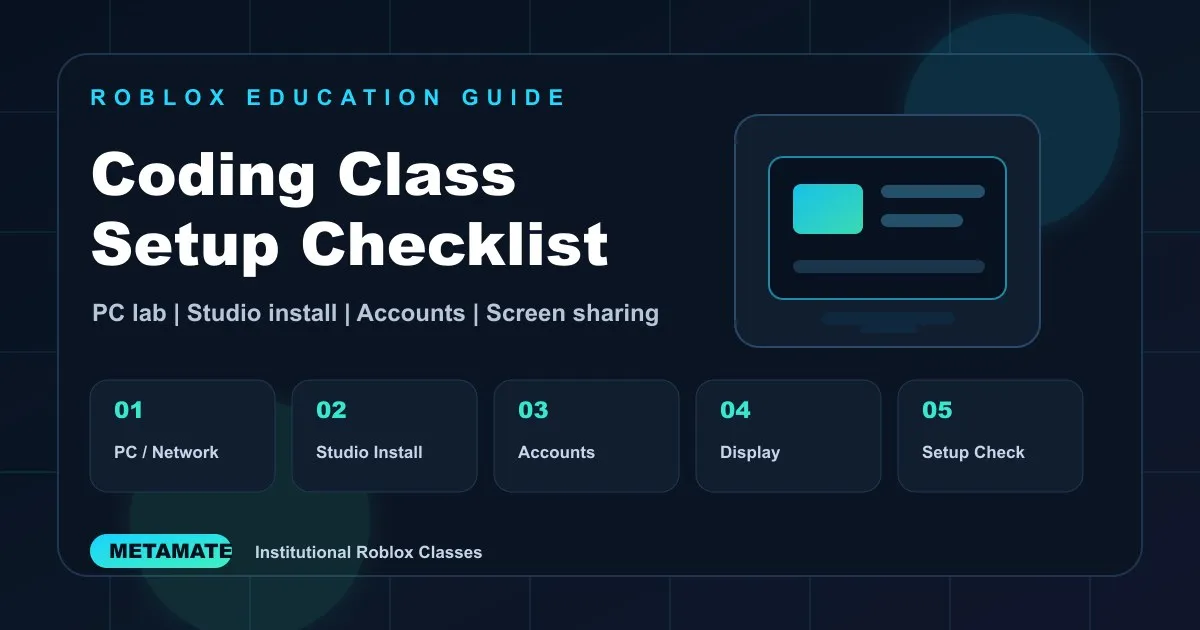
Roblox coding classes are different from ordinary lecture-based classes.
Students do not only listen to the instructor. They open Roblox Studio, place objects, adjust simple scripts, and test the result in Roblox Player. That means the quality of the class depends not only on the curriculum, but also on the classroom environment.
When the environment is ready, students can start building within the first 10 minutes. When installation, login, or network access fails, even a strong lesson plan can lose time quickly.
Here are five items institutions should check before running a Roblox coding class.
The first thing to check is whether enough computers are available for the number of students.
Roblox classes work best when students can build and test directly. A one-student-one-PC setup is ideal, but pair work can also be used depending on the program format.
Internet access also needs a specific check. It is not enough to confirm that general websites open. Some institutions block Roblox through security policies or network filters.
Before class, check whether:
This matters especially in schools, public institutions, libraries, and youth centers where network policies may be stricter.
Roblox coding classes usually need two programs.
Roblox Studio is the creation tool students use to build worlds and game systems. Roblox Player is used to run and test the result.
If a computer lab is available, installing both programs before class is recommended. This allows the class to move into the building activity quickly and reduces waiting time.
Some institutions restrict external software installation or require administrator access. In that case, the installation policy should be checked in advance. If needed, a pre-class setup visit can help confirm installation, execution, and network access.
When scheduling allows, METAMATE can visit the site before class or earlier on the day of class to check the setup.
The smoothest option is for students to prepare their own Roblox ID and password in advance.
Using personal accounts makes it easier for students to save their work and revisit it later. However, account preparation may not always be easy because of age, institutional policy, parental consent, or on-site conditions.
In those cases, class accounts can be used. METAMATE can provide prepared education accounts and guide students through login during the session.
The key is to decide the account method before class so that login issues do not consume class time.
Roblox Studio includes menus, properties, explorer panels, and the main workspace. For first-time students, following the instructor's screen is much easier than relying only on verbal explanation.
A projector or large monitor makes the class much smoother.
The instructor needs to show actions such as where to click, which property to change, and how to run the project. Without screen sharing equipment, the instructor may need to move between individual computers too often, which interrupts the class flow.
If possible, check the connection between the instructor PC and the projector or monitor before class.
Roblox coding classes benefit greatly from setup time.
If time is available on the previous day or before class starts, the team can check:
This also reduces the burden on the institution. Every venue has different computer lab conditions, security policies, and device setups, so a fixed checklist is not always enough.
METAMATE organizes preparation items based on the target students, schedule, location, and available equipment. When possible, we also support on-site setup.
Roblox coding classes are hands-on classes where students build and test their own work. The better the environment is prepared, the more time students can spend creating.
Institutions should check five things first:
Because every institution has different schedules, students, class sizes, and venue conditions, the preparation plan should fit the site rather than follow a fixed format.
If you are planning a Roblox coding class, start by sharing the schedule, target students, class size, and venue environment. METAMATE can help organize the right format and preparation checklist for a one-day class, institutional workshop, or regular course.
Tell us about the learners, available class time and equipment. We can review the curriculum and preparation with you.

A look back at METAMATE’s mentoring and judging work for the Woori Bank Roblox game competition, commissioned by D.LAB in 2023.
Read the practical takeaways ↗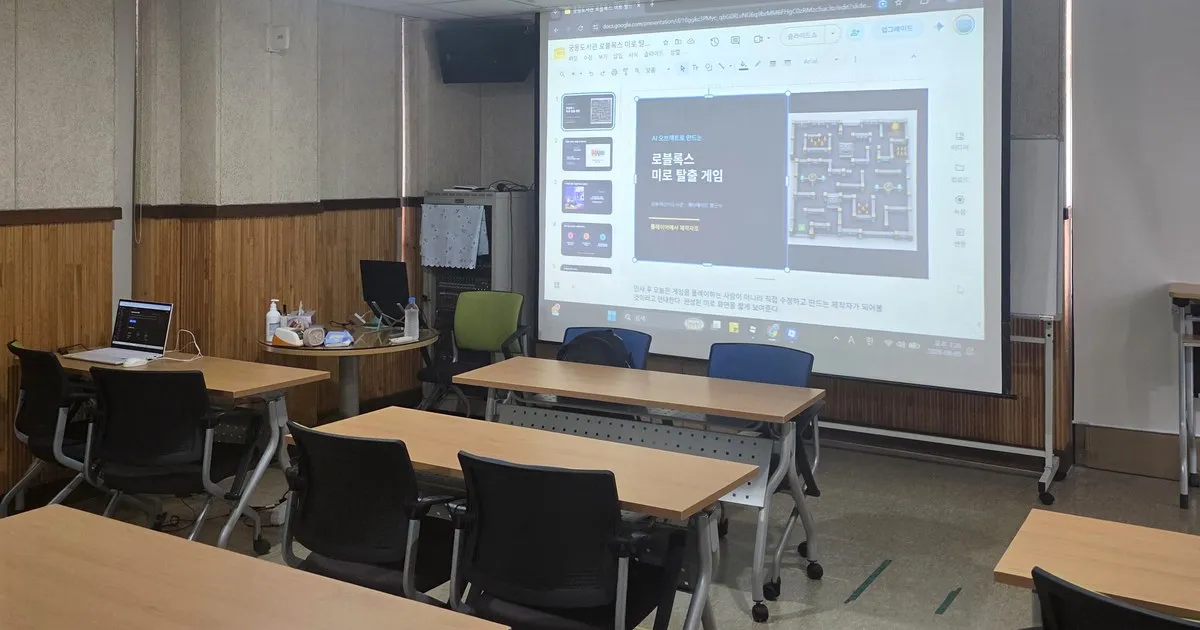
A field note from a Roblox creation class at Gungdong Children’s Library, covering how public institutions can prepare and run Roblox Studio classes more smoothly.
Read the practical takeaways ↗