INSIGHTS
Before RDC 2026: What METAMATE Hoped to Discuss
A pre-conference note on the production and partnership conversations METAMATE hoped to have at RDC26 in September 2026.
Read article ↗Roblox games should not be reviewed only on desktop. This guide explains how to QA mobile controls, UI overlap, camera, loading, and first-session goals.
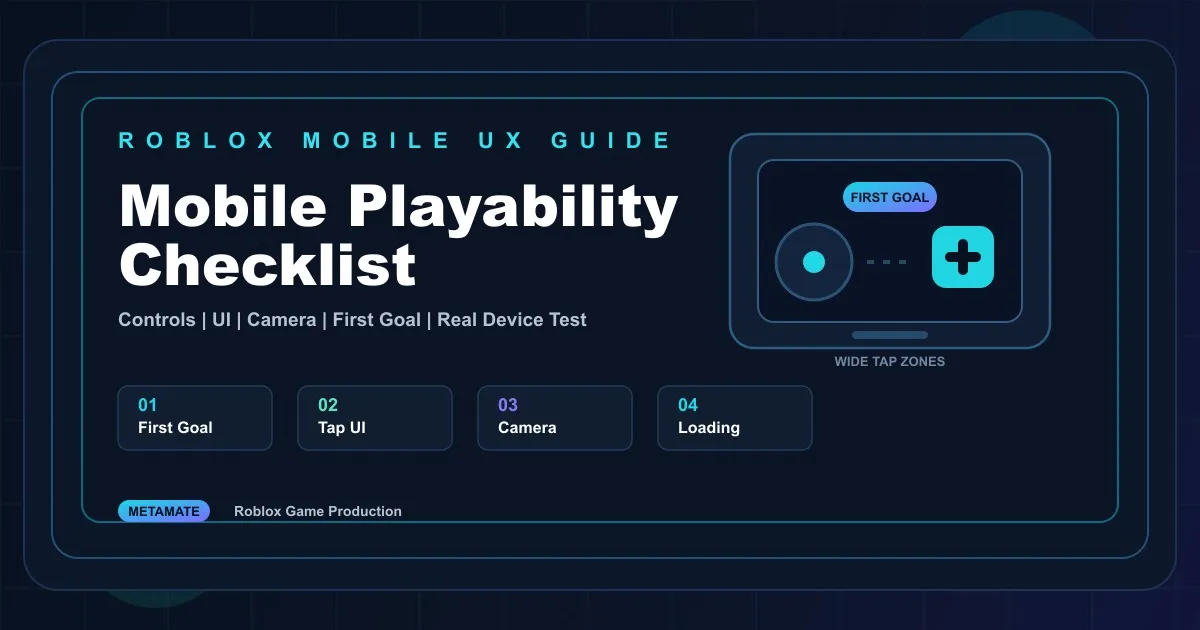
When producing a Roblox game, reviewing only the desktop view can hide important problems.
Developers often test on large monitors with a keyboard and mouse. But many players judge the game on a smaller screen, using touch controls, often within a short session. A game that looks fine on PC can feel difficult on mobile if buttons are hard to tap, goals are unclear, or the camera feels cramped.
Mobile playability is not something to fix at the end by shrinking the screen. It affects the first loop, UI, controls, rewards, camera, and loading flow, so it should be reviewed as part of QA.
Mobile players do not read long instructions for very long.
When they enter the game, the next action should be visible. A clear action goal is often more useful than a long tutorial.
Check whether:
For brand and IP games, teams often want to show logos or messaging first. But if the player does not understand what to do, the message will not land.
Small buttons can be easy to click with a mouse.
On mobile, players tap with their fingers. If buttons are too small or too close together, mistakes happen. If game UI overlaps with movement or camera controls, the experience becomes frustrating.
Check whether:
UI should be easy to tap before it is decorative.
Mobile control issues appear often in Roblox games.
Narrow spaces, dense obstacles, or cameras blocked by walls can make players feel that the game is uncomfortable rather than challenging.
Check whether:
A jump that feels easy on PC can be much harder on mobile.
Mobile screens are limited.
Roblox has default UI, players need touch controls, and the game may add quest, shop, reward, and event UI. If everything is visible at once, the play area becomes too crowded.
Be careful when:
Mobile UI should prioritize what the player needs now.
Waiting feels longer on mobile.
If loading is slow or the first reward comes too late, players may leave before judging the actual game.
Check whether:
The early session should create a small success quickly.
Desktop review is not enough.
Mobile play should be checked in a mobile environment, because screen size, touch feel, frame rate, loading, and control fatigue become clearer during actual play.
Check whether:
If possible, review the game from both experienced Roblox player and first-time player perspectives.
Mobile playability in Roblox is not just responsive UI.
A mobile-friendly Roblox game should:
Before launching a Roblox game, check whether a new mobile player can understand what to do within the first three minutes.
Share the game link and the screens or controls causing trouble. We can review the mobile UI, playability and QA work needed.
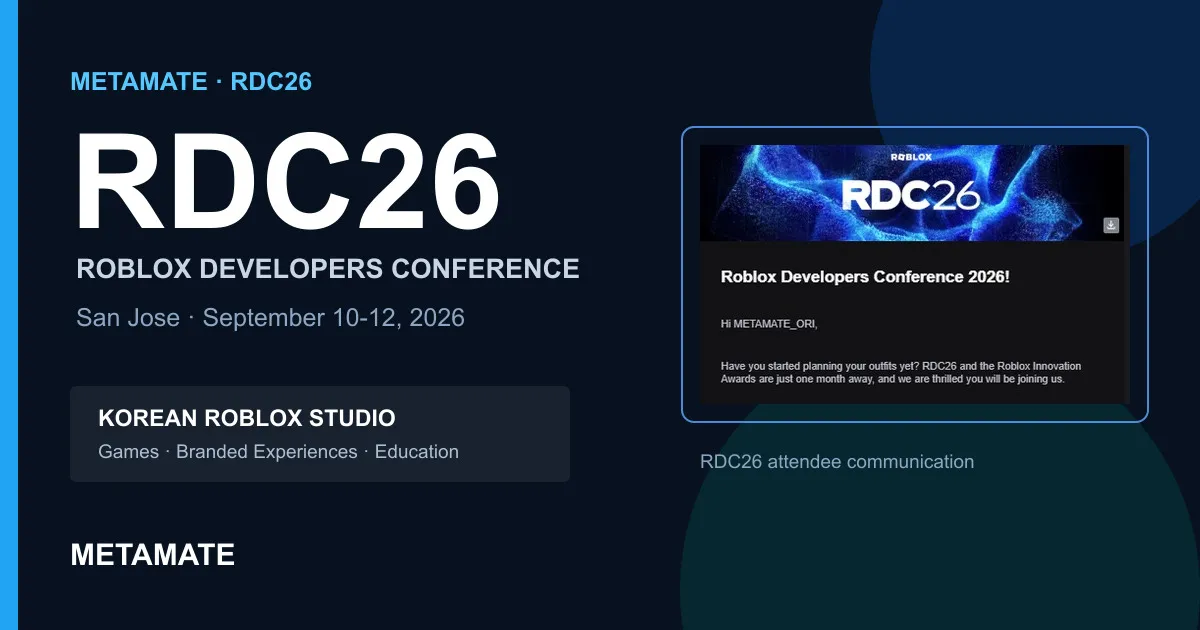
A pre-conference note on the production and partnership conversations METAMATE hoped to have at RDC26 in September 2026.
Read article ↗
METAMATE was featured in a Digital Daily interview covering our work across Roblox education, brand collaboration, and original game production.
Read article ↗